Reply Node: Creating Rich Conversation Experiences
In DMflow.chat, reply nodes are more than just sending text; they also support rich interactive components and cross-platform templates. Click on the “Reply Node” in the flow, and let’s delve into the settings.
General Message Settings
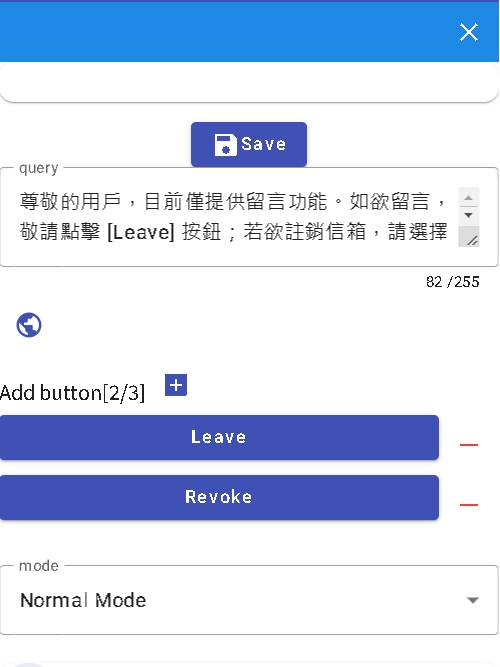
- Questions: You can set multiple different answer texts, and the system will “randomly” select one to send by default, making the bot look more natural and not always saying the same thing.
- Buttons: Default allows creating three buttons. Buttons support three interaction modes:
Link: Open a webpage.Event: Trigger flow events (like jump, end).Message: Simulate user input text.
- Mode:
Normal Mode: Normal conversation reply.Wake-up Mode: The bot is in sleep state and must receive text hitting specific keywords to be woken up.
- Language: Click the globe icon, you can set specific answer content for users of different languages.
Advanced Usage: Template Message
If you need to send more complex message formats (like LINE Flex Message), you can use JSON mode.
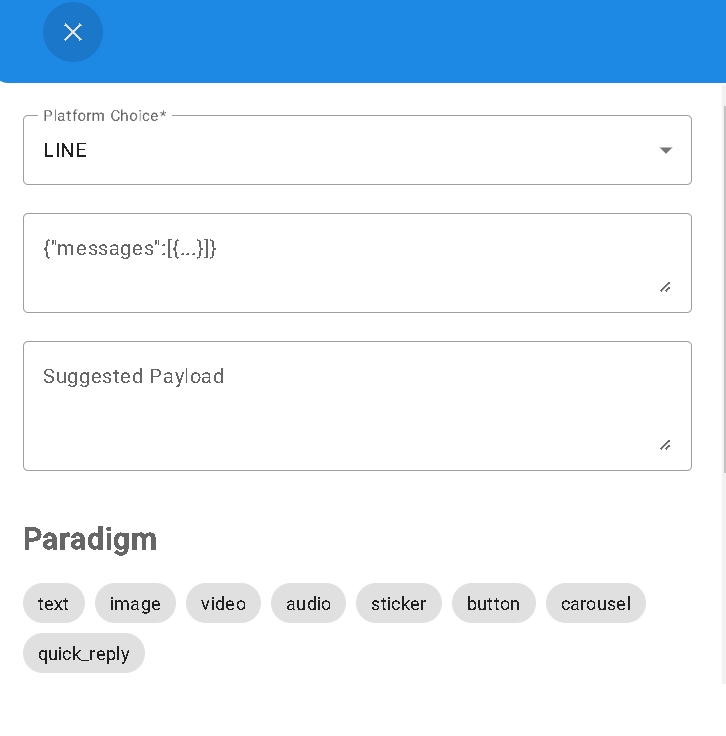
After entering your Payload in the JSON edit area, it is recommended to click the Validate button. The system will check the format and display the suggested Payload structure below for your reference.
Channel Limitations Overview
Different messaging software has different support levels for message formats. Please refer to the table below:
| Channel | Limitation Description |
|---|---|
| LINE | Highest support. Almost all Message types can be used (including Flex Message). |
| Instagram / Facebook | More restrictions. Only supports: Text, Image, Audio, File, Video, and Standard Templates (Button Template, Generic Template). Other formats cannot be sent. |
| Telegram | Supports Text, Image, Audio, File, Video, and Location information. |
Designer
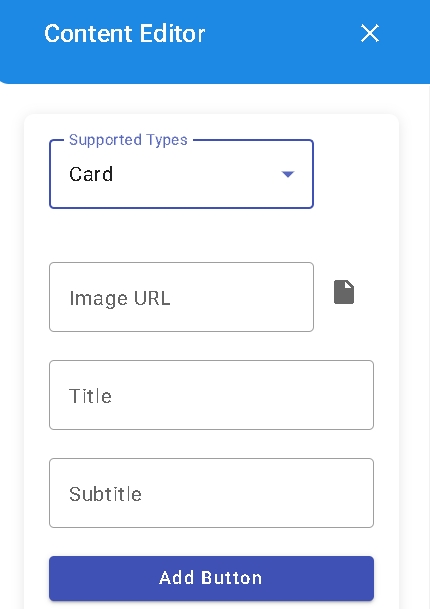
To facilitate non-engineer users, we provide a visual “Design” function. You can use default templates to quickly create rich content, including:
- Text, Image, Voice, Video, File
- Card
- Multi-Card Carousel
File Upload Limit:
- When uploading files directly in the designer, the single file limit is 5MB.
- Preview images are recommended to be kept within 1MB to ensure loading speed.
Real-time Preview
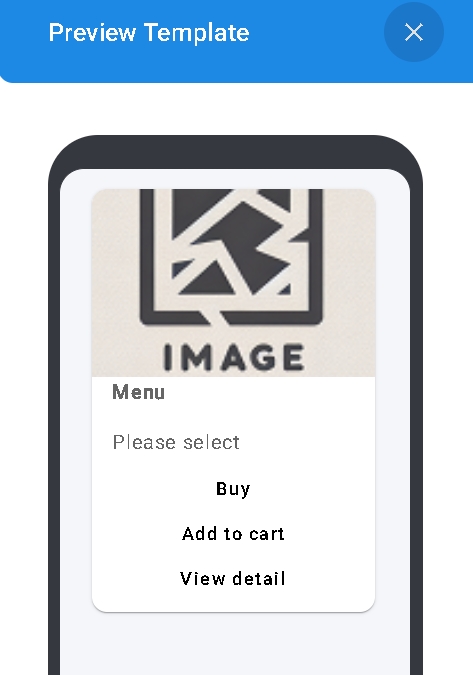
Whether you handwrite JSON or use the design tool, you can check “Preview” in real-time on the right. This allows you to clearly understand how the message looks on the phone before publishing.