Domain Management: Controlling the Bot’s Brain
The domain management interface is your core console for regulating bot behavior, security, and authorization. The main functions are divided into three blocks: Default Responses, API Management, and Bot Management.
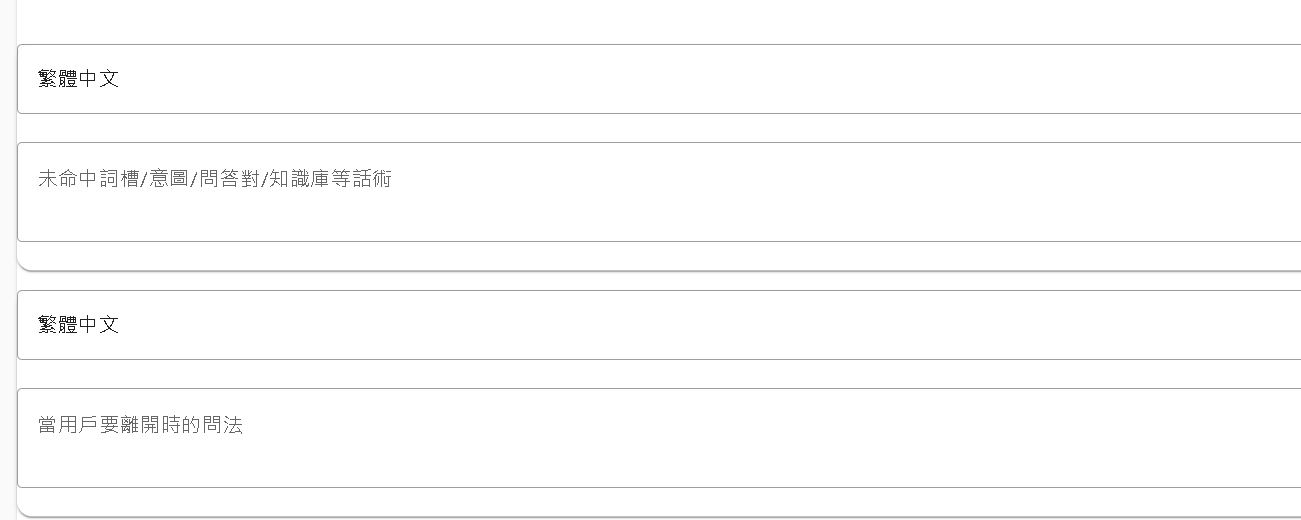
1. Default Responses
When the bot encounters a situation it cannot handle, or needs to execute general behaviors, it will respond according to the settings here.
- Fallback (Unknown Intent): What to answer when the bot doesn’t understand what the user said (did not hit any intent or document)?
- Quit: Response when the user wants to end the conversation.
- Welcome: Greeting for the first meeting.
Note: If you do not set this here, the system will follow the “Default Language” you selected when creating the domain to provide standard canned answers.
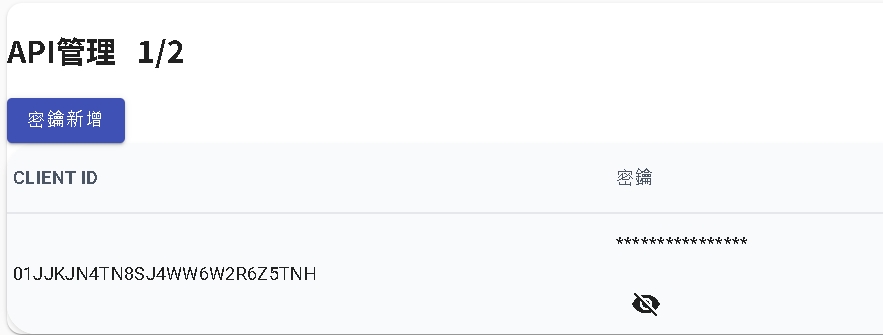
2. API Management
This allows you to generate and manage API Keys used to call functions of this domain.
Security Reminder: For security reasons, Secret Keys are only viewable for 15 minutes after generation. Please be sure to copy and save them to a safe place immediately upon generation. If lost, you can only regenerate a new set of keys.
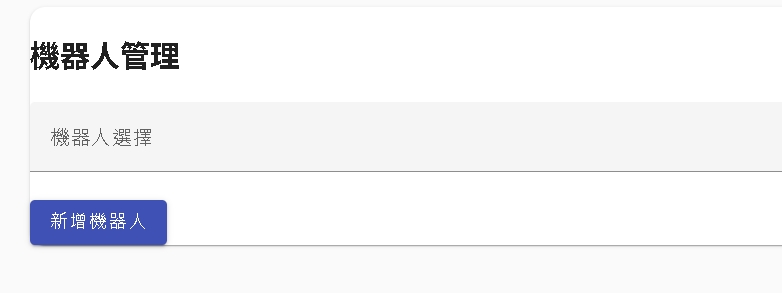
3. Bot Management
After a domain is created, it is not automatically open to all bots. You must explicitly “Authorize” specific bots here for them to have permission to call skills in this domain.
- AI Agent: Usually can call even if not specially opened here.
- Flow Bot: Must be authorized here, otherwise domain call nodes in the flow will fail.
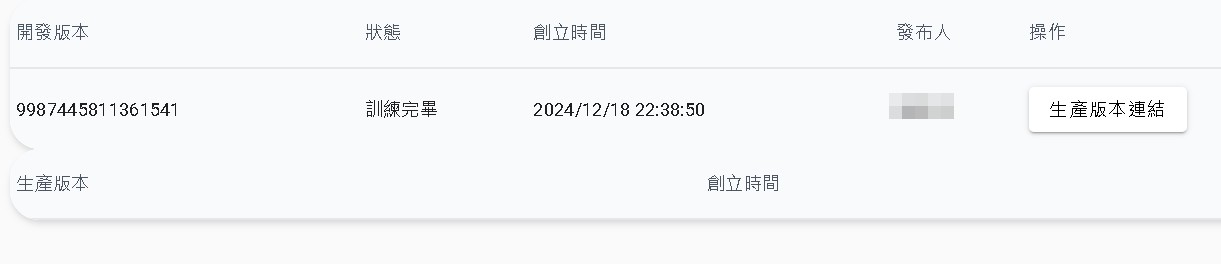
Important: Publish Production Version
For flow bots, there is a critical operation step:
When using for the first time, you must convert the “Development Version” of the domain to “Production Version”.
Bots can only call published production version domains. Although most current system designs are real-time updates, the “first” publishing action is an unavoidable startup ritual. Subsequent changes usually take effect immediately without republishing every time.