Personal Info: Creating Your Exclusive Work Environment
Click on the avatar in the upper right corner of the platform and select “Personal Info” to enter the settings page. Here you can not only change your password but also bind your Google account for quick login.
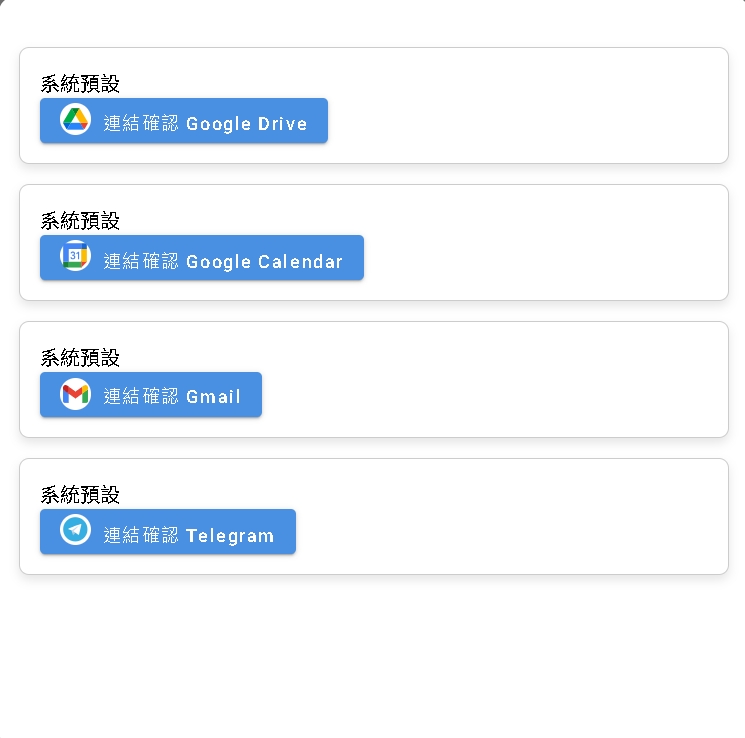
Third-party Account Binding (Personal Credentials)
This is an advanced and powerful feature. You can bind your personal third-party service accounts (such as Google Calendar, Gmail, etc.) here.
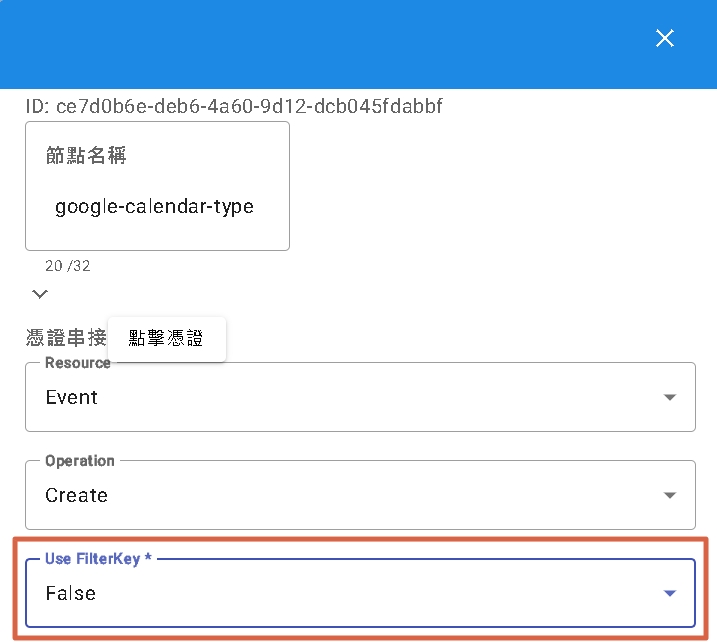
Operation Logic: When a trigger is executed, and that trigger has enabled “Use FilterKey” or relevant personalization settings:
- If you have linked a personal account here, the system will prioritize using your personal credentials to execute the action.
- This will replace the default public credentials of the Tenant, achieving true “Personalized Automatic Flows”.
Note:
- Gmail: May not be displayed on general user interfaces, usually used for specific integration scenarios.
- Telegram: Telegram binding here is mainly used for “Notification Management” (receiving system notifications) and cannot be used for binding bot credentials.
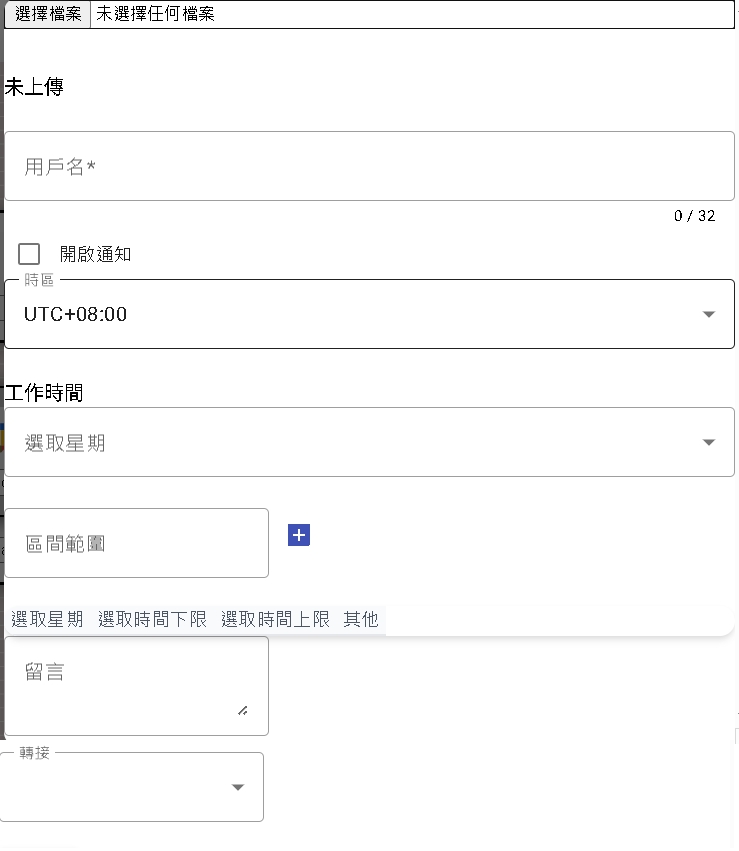
Agent Dedicated Area
If you are a customer service agent responsible for replying to messages, this is your console:
- Public Image: You can upload an exclusive image (avatar) and set a display name. When you reply to visitors, they will see this information, increasing friendliness.
- Working Hours: Set your shift schedule.
- Message Board: You can leave status messages (e.g., In a meeting, Dining), for other agents to view in the backend, promoting team collaboration.
- Auto Transfer: Set which specific agent to transfer messages to when you are on leave or not during working hours, ensuring uninterrupted service.