
Triggers: Giving Forms Life
The DMflow.chat trigger system is the bridge connecting form data and automated actions. It supports extensive integration, including LINE, OpenAI (Chat, Image, Audio), SendGrid, Telegram, OpenRouter, and Google ecosystem (Calendar, Drive).
The Essence of Triggers: JSON Structure
In DMflow, every logical node is constructed by JSON (JavaScript Object Notation) at the bottom layer. You can view it as a standard container for passing and storing data.
Node Storage Structure Example:
Except for the start node fixed named start, other nodes use UUID as unique identifiers.
{
  "start": {
    "username": "dmflow.chat"
  },
  "97d860d4-5a7f-49e0-804a-7ce4891076bf": {
    "datas": [
      {"id": "001", "name": "Test"},
      {"id": "002", "name": "Test2"}
    ]
  }
}
Two Major Flow Types
Triggers are divided into two stages:
- Trigger Flow:
- Purpose: Responsible for frontend data validation and interaction.
- Function: Check if input text is correct, and can call default LLM (Gemini 2.0 flash) to automatically supplement or correct text content.
- Background Flow:
- Purpose: Responsible for backend data processing and Side Effects.
- Timing: The system executes this flow only when the Trigger Flow successfully reaches
ENDand data has been saved, updated, or deleted.
Trigger Flow Nodes Explained
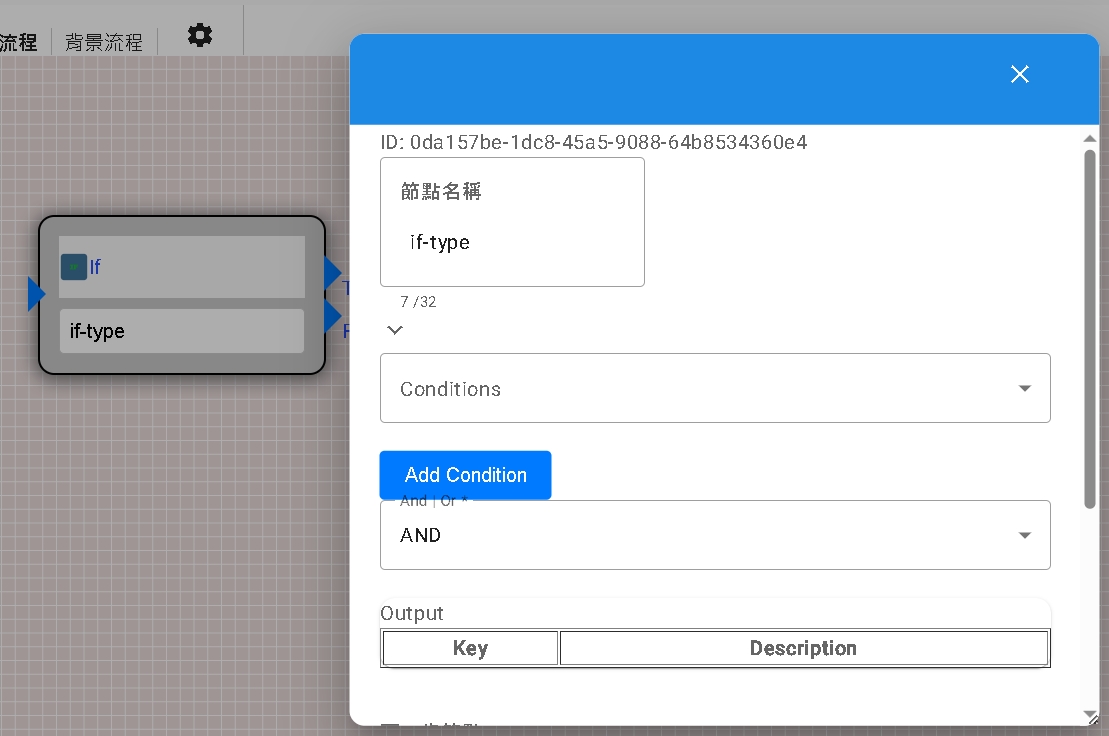
| Node Name | Function Description |
|---|---|
| IF | Condition Judgment. Contains Conditions, directing to True or False paths based on results. |
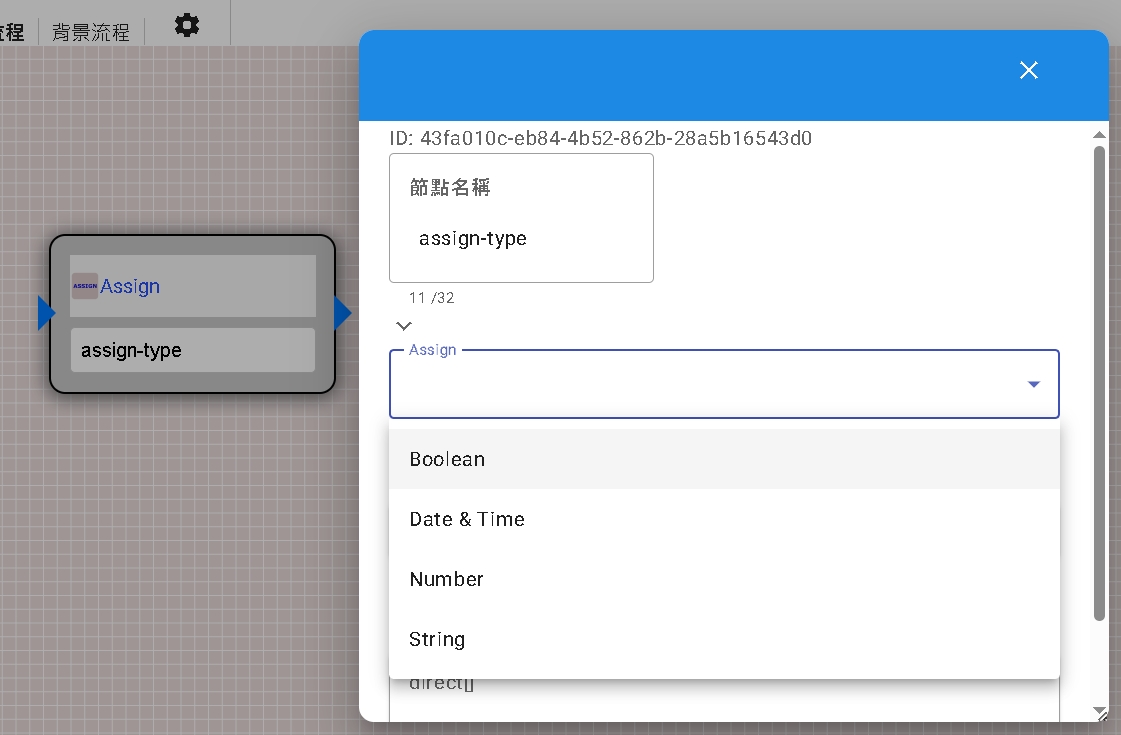
| ASSIGN | Assignment. Store content obtained or calculated in conversation into specific field variables. Used to overwrite old values or add new values. |
| RESPONSE | Interactive Response. Generate conversation output based on the filled Prompt. Can set Response_only:- false: Grab data from Fields to backfill.- true: Directly get LLM’s response text (such as translation results). |
| ERROR | Error Termination. Reply with error message and forcibly end conversation when validation fails or format is incorrect. |
| STOREQUERY | Store Query. Similar to ME node, but waits for user’s next response. Used to capture JSON information (text, file, etc.) from conversation and cache it. |
| ROW_EXIST | Data Existence Check. Filter and check if specific data exists (e.g., check if Email is already registered). Can set whether to ignore guest permissions (Admin mode). |
| ME | Visitor Identity. Get information of the visitor currently calling this trigger, and pass directly without waiting. |
RESPONSE Node Data Structure Example:
If Fields: ["Name", "Email"], data will be stored as:
node['UUID'].username
node['UUID'].email
If Response_only: true, data will be stored as:
node['UUID'].response
Background Flow Nodes Explained
Background flow takes over handling saved data and performing more complex logical operations.
| Node Name | Function Description |
|---|---|
| HTTP | Call external API. |
| IF / ASSIGN | Same as Trigger Flow. |
| LOOPS | Loop processing. Iterate over array data. |
| SEARCH | Search form data. |
| INSERT | Insert new data row (Row). |
| UPDATE | Update data of specified ID. |
| DELETE | Delete data of specified ID. |
| NATIVE_UTILS | Platform native tools. Currently provides function to get file PresignedUrl, convenient for third parties to read private files. |
Parameters and Functions
- Parameter Reference: Use
{{ }}to wrap variables. Supports automatic search for fillable parameters. - Common Function Library (Utils):
hash(text): Convert to hash value.uuid(): Generate UUID v7.randomValue(length): Generate random number.now(timezone): Get current time string.toSeconds(dateString): Convert time to seconds.generateSignature(...): Generate signature.encrypt/decrypt(...): Encryption/Decryption (relies on tenant key).passwdEncode/Verify(...): BCrypt password processing.atob(text): Base64 decode.
Testing and Debugging
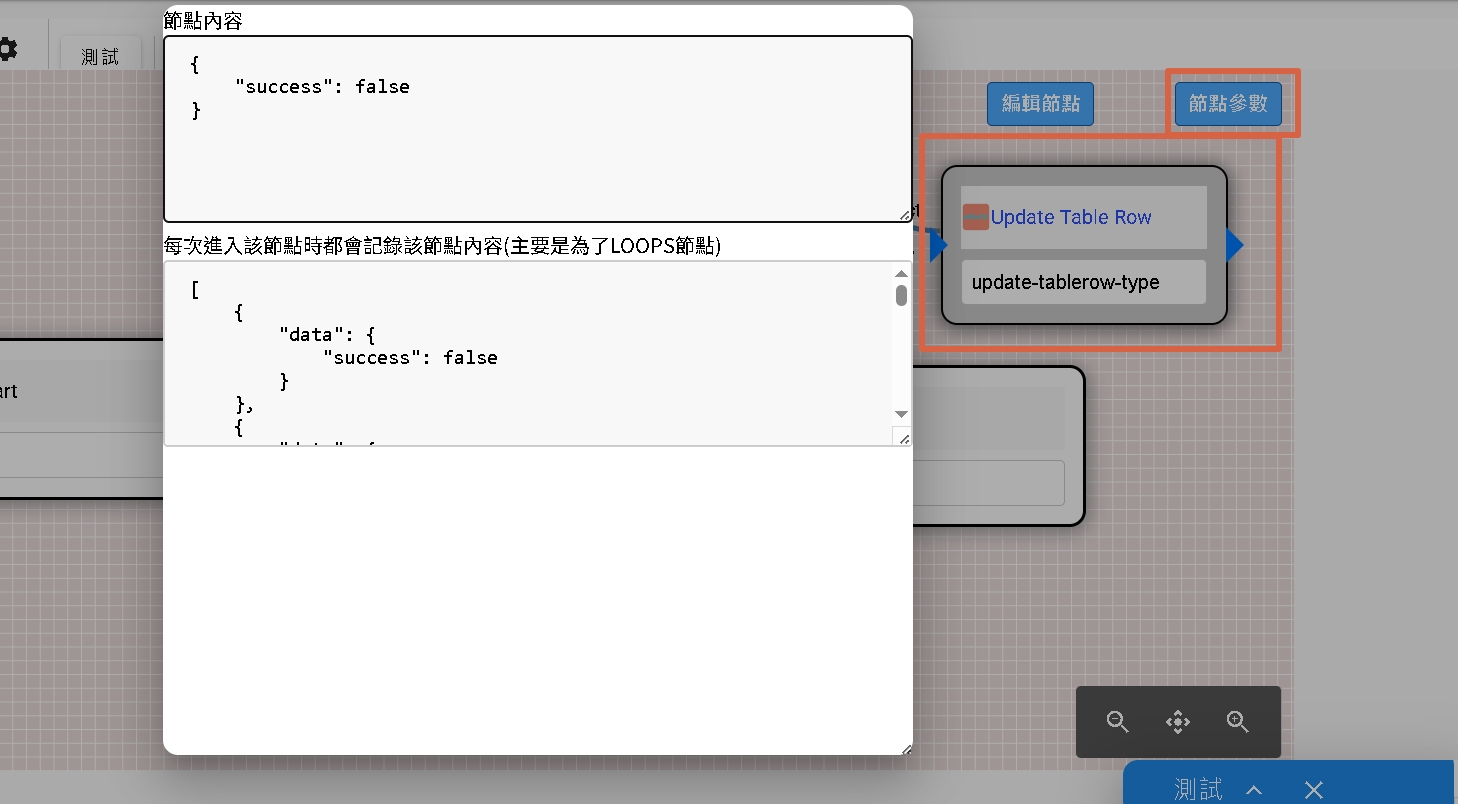
DMflow provides a real-time test interface based on Server-Sent Events (SSE). You can visualize the execution path of every node and click on nodes to view the current parameter status, making debugging intuitive and simple.
Security Declaration
Third-party calls in Background Flow use Tenant-level keys. All keys are stored in the database with high-strength encryption. Trigger call records are only viewable by tenant managers, and test calls will not be recorded.

